
Automatic parking for Android
Park and forget about it. Your spot saves itself.
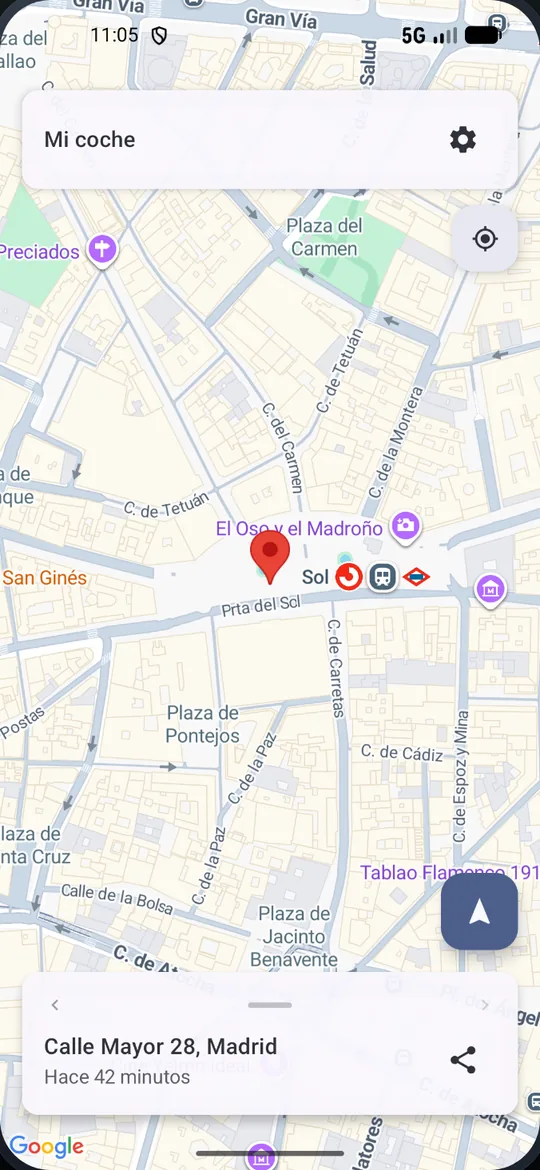
AutoSpot notices when your car's Bluetooth disconnects and saves the exact location, with the street name. No buttons, no accounts and no server: the app has nothing to sign up for.
Coming soon to Google Play
See how it worksAndroid 12 or later · No account or sign-up · Open source
- No account
- No ads
- No analytics
- Open source
How it works
Three steps and you never hunt for it again
The signal is the car's Bluetooth disconnecting. No need to remember to open the app or tap anything.
-
01
Pair your car
Once, inside the app: pick the car's Bluetooth, give it a name and that's it.
-
02
Park and switch off
The phone disconnects from the car. That instant is the signal AutoSpot waits for.
-
03
The spot is saved
It takes the location, names the street and drops it on the map with how long it has been there.
Features
Everything you need after you park
And nothing you don't: no sign-up, no cloud, no subscription.
-
Automatic saving
The Bluetooth disconnection is the signal. You park; the app does the rest.
-
With a street name
“Calle Mayor 28, Madrid” instead of two numbers. Every spot names itself.
-
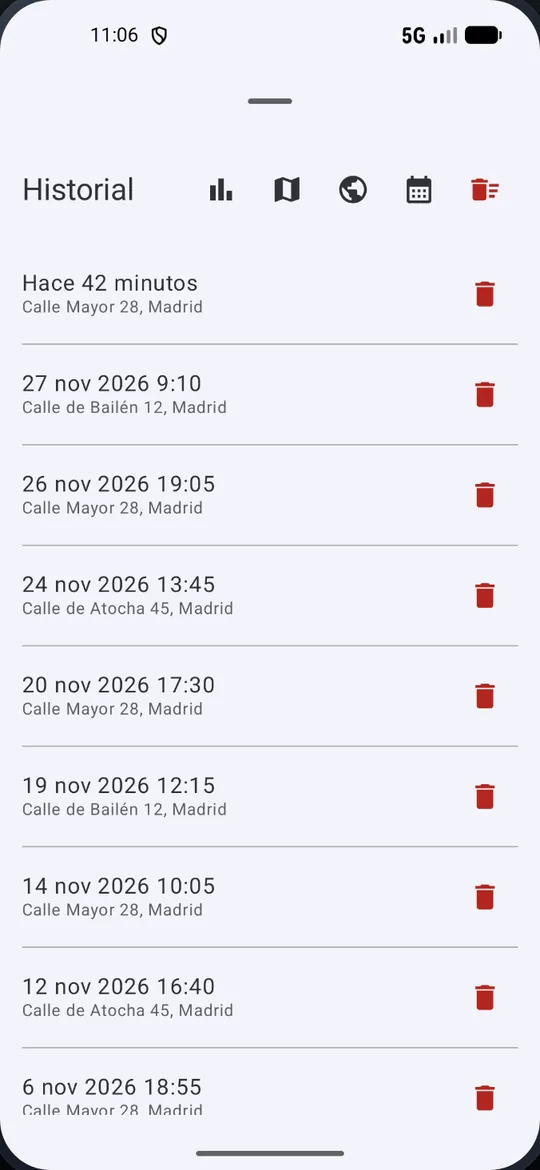
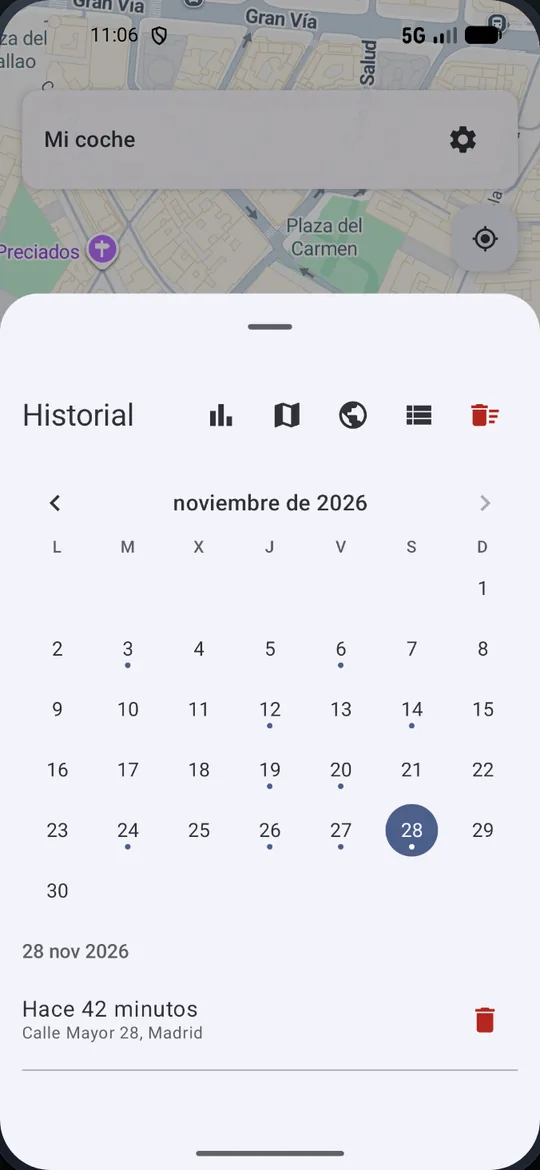
History and calendar
Every spot by day, with a calendar to jump to any date.
-
Every spot at once
One map with all your spots, from one car or from all of them.
-
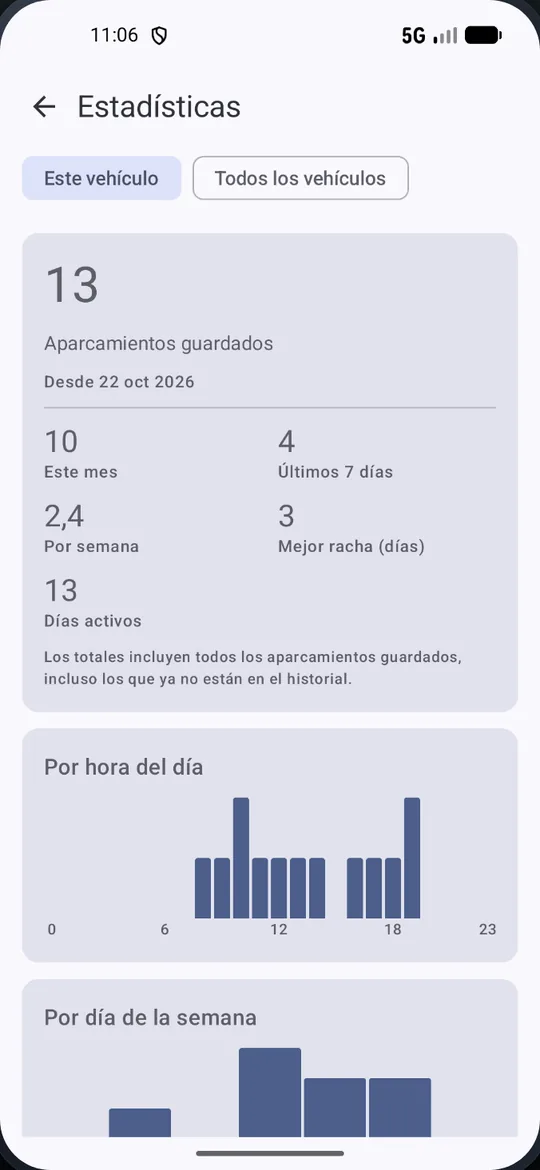
Statistics
Spots saved, streak, the hours and weekdays you park most, and the places you keep coming back to.
-
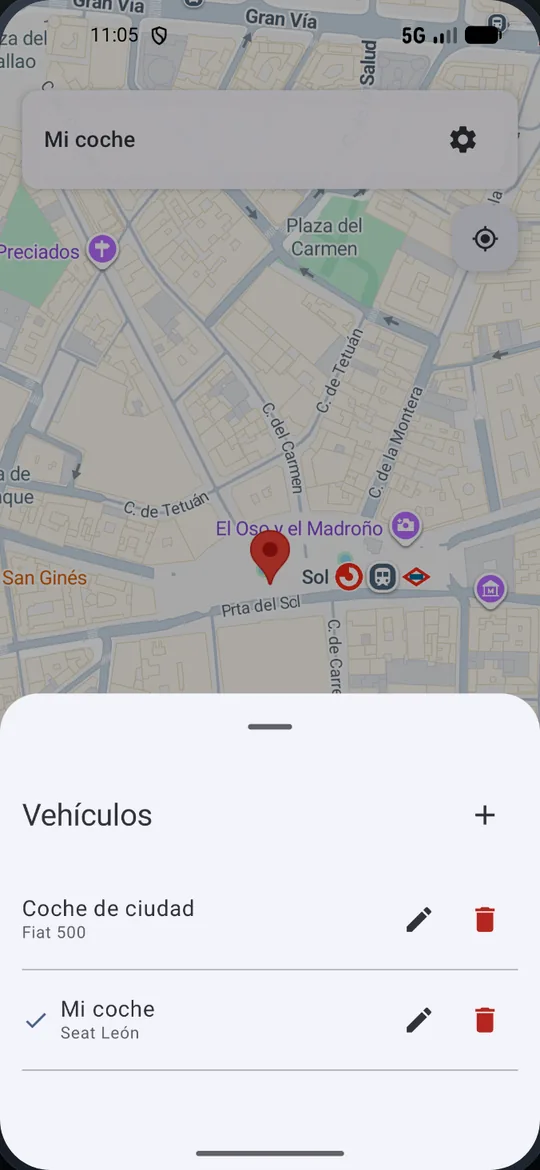
Several cars
Each vehicle with its own Bluetooth and history, and you switch between them in one tap.
-
Route back
One tap opens Google Maps with directions back to the car.
-
Share and shortcuts
Send the spot to whoever is picking it up and add a home screen shortcut.
-
In your language
English (US and UK), Spanish (Spain and Latin America), German, French, Italian, Japanese, Korean, Russian and Chinese.
12
languages and variants
0
accounts to create
0
ads
0
trackers
Screenshots
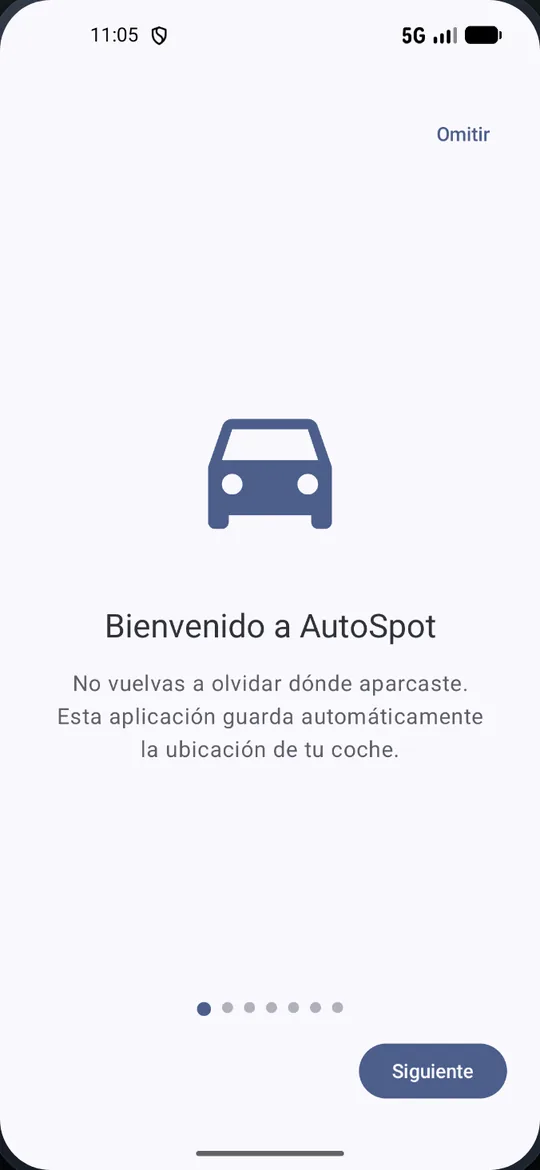
This is what AutoSpot looks like
Real captures of the app, with a sample history in Madrid.
Privacy
Your data stays on your phone
AutoSpot runs no server. There is no account to create, no analytics and no ads. Your cars, your spots and their addresses live in the app's private storage; if you turn on Android backup, they go to your own Google account, encrypted by the system.
- The only request the app makes per spot is its coordinate, to ask the device's geocoder for the street name.
- The maps are served by Google, as in any map app.
- If something fails, the app keeps a report on the phone and offers it next time. Nothing is sent on its own.
At a glance
- Accounts
- No
- Ads
- No
- Analytics
- No
- Our own server
- No
- Where the data lives
- On your phone
- Who sees it
- Only you
Frequently asked questions
What people usually ask
Does it work offline?
Saving the spot, yes: the location comes from GPS and is written to the phone with no network. The street name comes from the system geocoder, which does need a connection; without one the spot is saved with its coordinates anyway and the address is filled in later.
Does it drain the battery?
It does not keep the GPS on in the background: it listens for the car's Bluetooth disconnecting and asks for a single location fix at that moment. While the app is open, the blue dot on the map updates like in any map.
Which permissions does it need, and why?
- Precise location: to record the spot and show the blue dot.
- Location “all the time”: to save the spot even when the app is closed.
- Nearby devices (Bluetooth): to read the paired car and notice when it disconnects.
- Notifications: to tell you the spot was saved or that something failed. If you deny them, the app keeps working silently.
The app does not ask for the microphone, camera, contacts or files, and it does not read the advertising ID.
Is my data uploaded anywhere?
No. There is no account and no server: cars, spots, addresses and statistics stay in the app's private storage. If you have Android backup enabled, they are copied to your own Google account, encrypted by the system; we have no access to that copy.
The only thing that leaves the phone is the coordinate of each spot, to ask the device's geocoder for its street, and the maps served by Google.
Do I need Google Play services?
Yes. The map and the street names come from Google Play services; on a phone without them the app cannot draw the map or resolve addresses.
Which phones does it run on?
Android 12 or later, with Bluetooth. It is designed for the everyday phone; it also works well on a tablet.
Is it open source?
Yes, under the MIT licence. The code is at github.com/dicren/autoSpot, so you can check exactly what it does with your data.
Coming soon
Never circle the block again
AutoSpot is about to land on Google Play. Until then, the code and the news are on GitHub.
Android 12 or later · No account · No ads